
The Best Study Apps for Nursing Students

Nursing school comes with a lot to manage all at once.
You are not just going to class and studying for exams. Nursing school also includes clinical days, simulation, paperwork, skills checkoffs, care plans, medications, lab values, and multiple courses. And its all happening at the same time.
The right study apps can genuinely make nursing school feel more manageable. They can help you keep track of what is coming up, stay organized across multiple courses, study in a way that helps information stick, and make better use of the time you do have.
You do not need an app for every part of nursing school. A few simple tools that help you plan ahead, practice recalling information, and stay focused can take some of the pressure out of an already busy schedule.
Anki: Best for Remembering Nursing Content Over Time
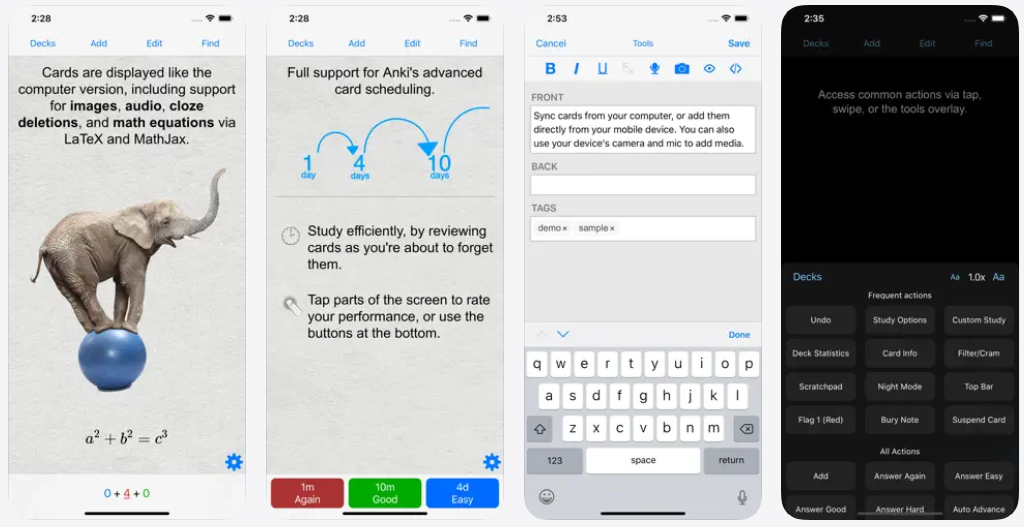
Anki is one of the strongest apps for nursing students because it uses spaced repetition.
Spaced repetition means the app brings information back at intervals based on how well you know it. If you miss a card about insulin onset or the signs of hypokalemia, you will see it again sooner. If you know it well, the app spaces it out.
This works because nursing students need to remember information over time not just recognize it the night before an exam.
Anki is especially useful for:
Medication classes, side effects, and nursing considerations
Lab values and what abnormal results can mean
Disease processes
Isolation precautions
Delegation rules
Maternal-newborn and pediatric milestones
Common assessment findings
The benefit is that you are practicing retrieval. Instead of rereading a medication chart and thinking, “I remember seeing that,” you have to answer the question yourself.
For example, instead of making a card that says: Metoprolol = beta blocker
Make a card that asks: Before administering metoprolol, what assessment finding would make the nurse pause and reassess?
That kind of question helps you practice using the information, not just labeling it.
Quizlet: Best for Quick Nursing Review
Quizlet is helpful when you need quick, flexible review.
You can create flashcards, use practice activities, and study sets with classmates. It works especially well for reviewing terminology, basic concepts, medication information, and course-specific material.
Quizlet can be useful for:
Reviewing a chapter before class
Studying lab values or pharmacology
Reviewing isolation precautions
Practicing common disease-process terms
Preparing for a short quiz
Studying with classmates
The benefit is convenience. You can do a short review session while waiting for class to start or during a break.
Just remember: nursing is full of details that matter. Always check shared study sets against your textbook, course resources, or instructor materials. A flashcard set that is almost correct can still cause confusion later.
Google Calendar: Best for Managing Exams, Clinical, and Deadlines
If nursing school feels overwhelming sometimes, it is not because you are not working hard enough. It is because so much can land on your schedule at once.
One week, you may be preparing for a pharmacology exam while completing a care plan, attending clinical, finishing an online module, keeping up with reading, and getting ready for a skills checkoff.
Google Calendar can help you see the whole week before it starts to feel like too much. When you can see what is coming, you can plan your time more intentionally and break the workload into manageable study sessions.
Add:
Exams and quizzes
Clinical days
Simulation days
Skills checkoffs
Assignment deadlines
Work shifts
Appointments
Planned study sessions
The key is to schedule the actual work, not just the due date.
Instead of adding “Med-surg exam Friday,” block out specific sessions:
Monday: Review heart failure and dysrhythmias
Tuesday: Complete 25 practice questions and review rationales
Wednesday: Study cardiac medications
Thursday: Review missed concepts and weak areas
Friday: Brief final review before the exam
The benefit is that studying becomes a plan rather than something you hope you will have time to do.
Notion: Best for Organizing Multiple Nursing Courses
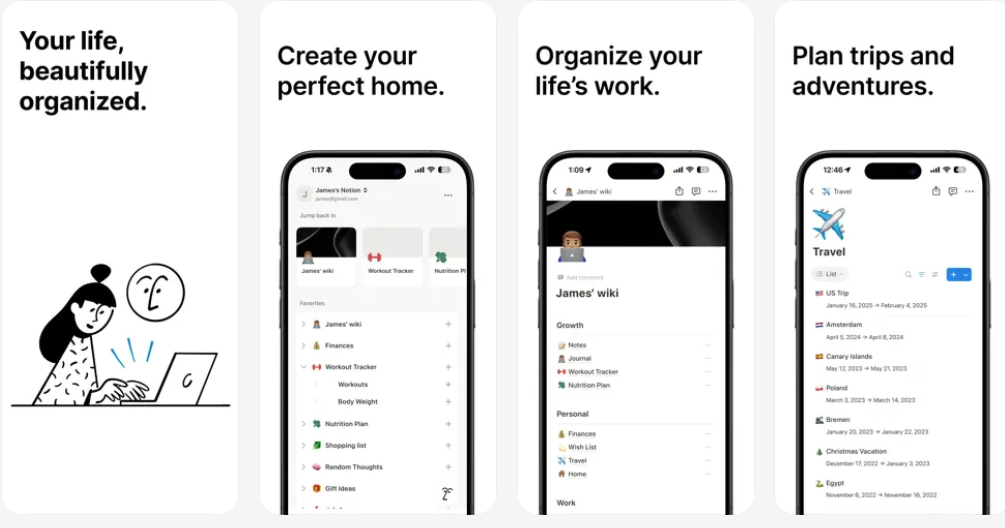
Notion is useful for keeping each course organized in one place.
You can create a page for pharmacology, fundamentals, pathophysiology, mental health, or med-surg. Within each page, you can track assignments, store lecture notes, make study checklists, save links, and list exam topics.
This is especially helpful when your materials are scattered between your learning-management system, email, downloads folder, and several notebooks.
Use Notion to organize:
Weekly course to-do lists
Exam blueprints
Lecture notes and study guides
Clinical paperwork reminders
Skills checkoff preparation
Questions to ask your instructor
Topics you missed on practice questions
The benefit is not having a perfect-looking dashboard. The benefit is knowing exactly what you need to do next.
Microsoft OneNote: Best for Lecture Slides and Nursing Notes
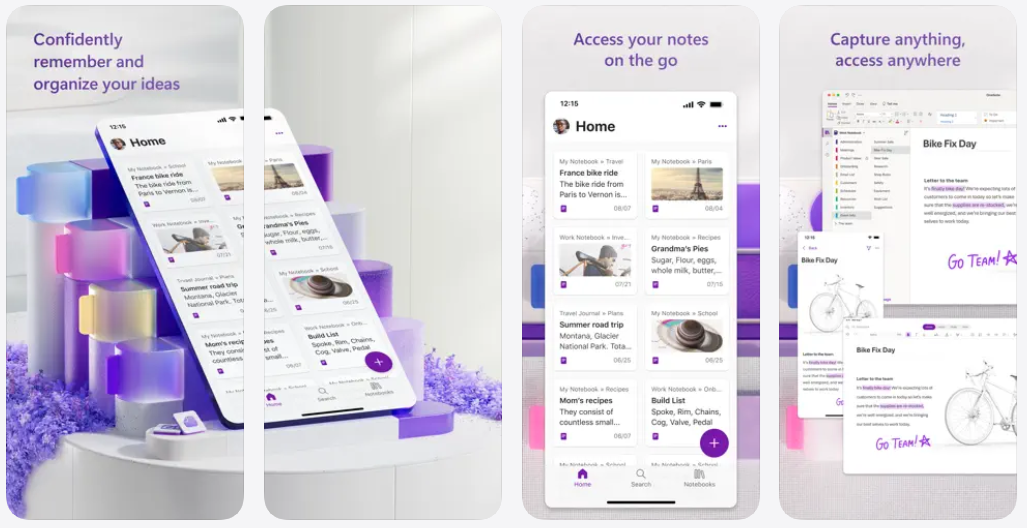
OneNote is a great option for nursing students who learn visually or take notes directly on PowerPoints.
You can upload slides, type notes, handwrite with a stylus, add screenshots, highlight important information, and organize everything by course and unit.
It is especially helpful for classes with a lot of visual material, such as anatomy and physiology, health assessment, pathophysiology, and skills courses.
OneNote works well for:
Annotating lecture slides
Creating organized notes for each body system
Adding diagrams and pictures
Combining handwritten and typed notes
Keeping clinical and classroom notes separate
Searching your notes before an exam
The benefit is that your notes stay in one searchable location. You are less likely to lose an important handout or spend 20 minutes trying to remember where you wrote something down.
Forest: Best for Focused Study Sessions
Sometimes the hardest part of nursing school is not knowing what to study. It is sitting down long enough to study without checking your phone every few minutes.
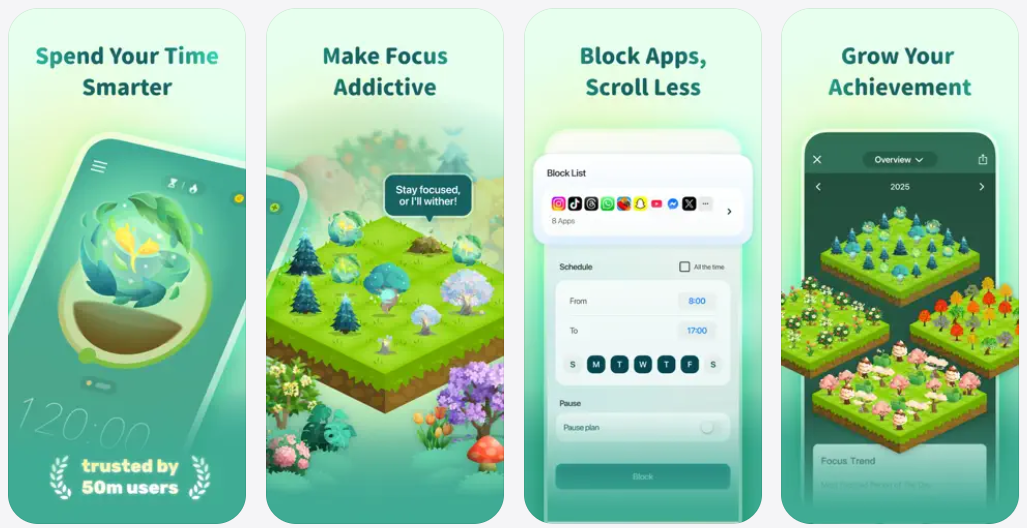
Forest is a focus timer that encourages you to stay off your phone during a study session. You choose a period of focused time and work until the timer ends.
This is especially helpful for:
Reading a difficult chapter
Completing practice questions
Writing a care plan
Reviewing pharmacology
Preparing for simulation
Working through a long study guide
Try using a 25-minute focus session, then taking a short break. After a few sessions, take a longer break.
The benefit is that you are working in focused blocks instead of studying while half-reading, half-scrolling, and half-worrying about everything else you need to do.
Todoist: Best for Breaking Down Nursing School Tasks
A task like “study for the pharmacology exam” can feel so big that it is hard to start.
Todoist helps you break large tasks into smaller, specific actions.
For example, instead of writing: Study for pharmacology
Try:
Review antihypertensive medication notes
Make flashcards for adverse effects and hold parameters
Complete 20 pharmacology practice questions
Review every missed rationale
Revisit weak medication classes
Make a one-page comparison chart
The benefit is that you always know what to do next.
This is especially useful during busy weeks, when you are trying to balance class, clinical, work, family responsibilities, and several assignments at once.
Zotero: Best for Nursing Research Papers
Zotero may not be the app you use every day, but it can save a lot of time in research-heavy nursing courses.
It helps you save scholarly articles, organize sources, keep PDFs together, and create citations.
Zotero is especially useful for:
Evidence-based practice assignments
Nursing research papers
Literature reviews
Capstone projects
Discussion posts that require scholarly sources
The biggest benefit is that you save sources as you find them. You are not trying to locate an article again the night before a paper is due or rebuilding your reference list from scratch.
The Best Nursing-School App System Is Usually a Simple One
You do not need every app on this list.
For most nursing students, a strong setup might be:
Google Calendar for exams, clinical, deadlines, and study blocks
OneNote or Notion for course notes and organization
Anki or Quizlet for medications, lab values, and active recall
Forest for focused study sessions
Todoist for breaking large assignments into manageable steps
The apps themselves will not replace studying.
But they can help you spend less time searching for notes, feeling overwhelmed by your schedule, and rereading information without really testing yourself.
The goal is to create a system that helps you do the work that matters most in nursing school: consistently reviewing content, practicing application, learning from missed questions, and connecting what you know to what you would actually do for a patient.
Looking for more practical support with nursing-school studying? Explore the resources below for help with clinical judgment, prioritization, nursing exams, and turning course content into confident patient-care decisions.
How To Succeed In Nursing School
